Version: Current

Changes in V1.8

Overview

In Lightning Review 1.8, in response to your requests, we have added the ability to post messages from Lightning Review to Outlook. We have also implemented a merge function for review records and enhanced the sharing function.

Important Notes

  • Anyone currently using Lightning Review can upgrade to the latest version free of charge.
    For instructions on how to upgrade, please refer to the following link: Upgrading Lightning Review
info

"Automatic upgrade" is not available in Lightning Review 1.8.

  • Upgrading to this version (1.8) will deactivate your license registration.
    Therefore, you will need to register your license again.
    For instructions on how to register your license, please refer to the following link: License Registration

  • If you were using extensions before the upgrade, a dialog box indicating a loading failure will appear at startup.
    Please update your extensions along with upgrading to this version (1.8).
    For detailed instructions, please refer to the following link. : Update Extension

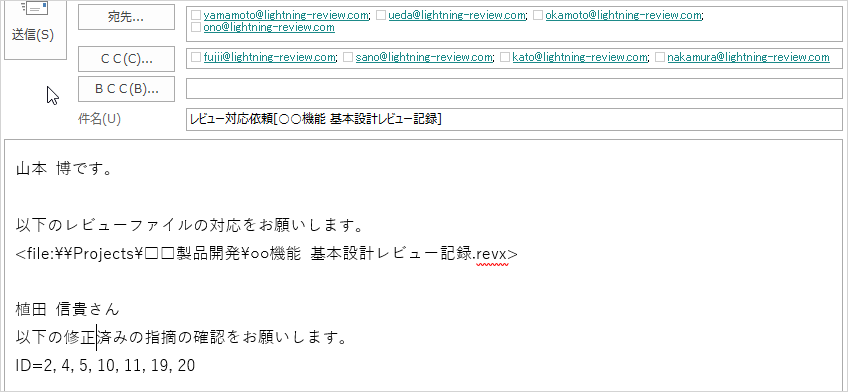
Creating Revision Requests, Confirmation Request Emails, and Meeting Invitations in Outlook

You can now create revision requests, confirmation request emails, and meeting invitations from Lightning Review.
There's no need to switch to Outlook; necessary information is automatically entered with just mouse operations.
Example: Recipient, Review File Path, Issue ID, etc.

This streamlines review-related tasks.

For details, please refer to the following link. : Outlook Integration

  • Correction confirmation request email created by Lightning Review
  • Meeting invitation created by Lightning Review

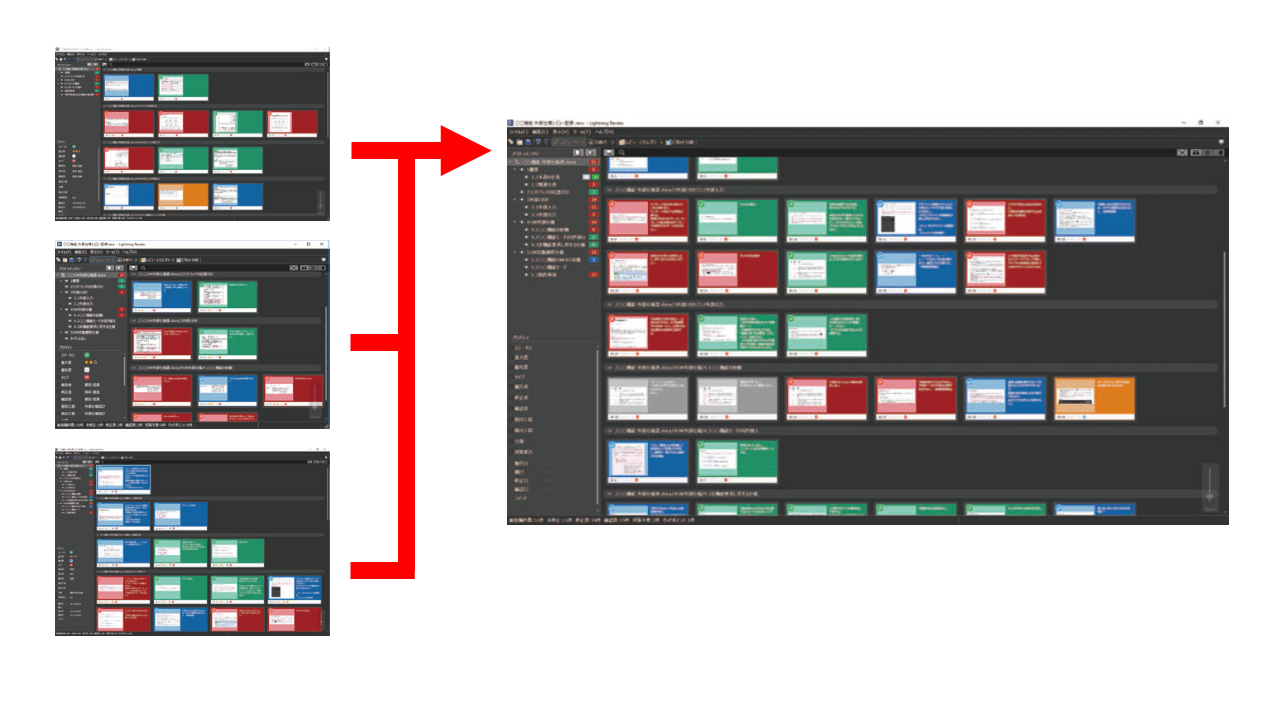
Merging multiple review files into one

It's common for multiple review files to be created depending on the team structure and operational rules, such as creating review files for each person in charge or having different locations.


Even in such cases, you can easily consolidate them into one later.

For details, please refer to the following link. : Combining multiple review files into one

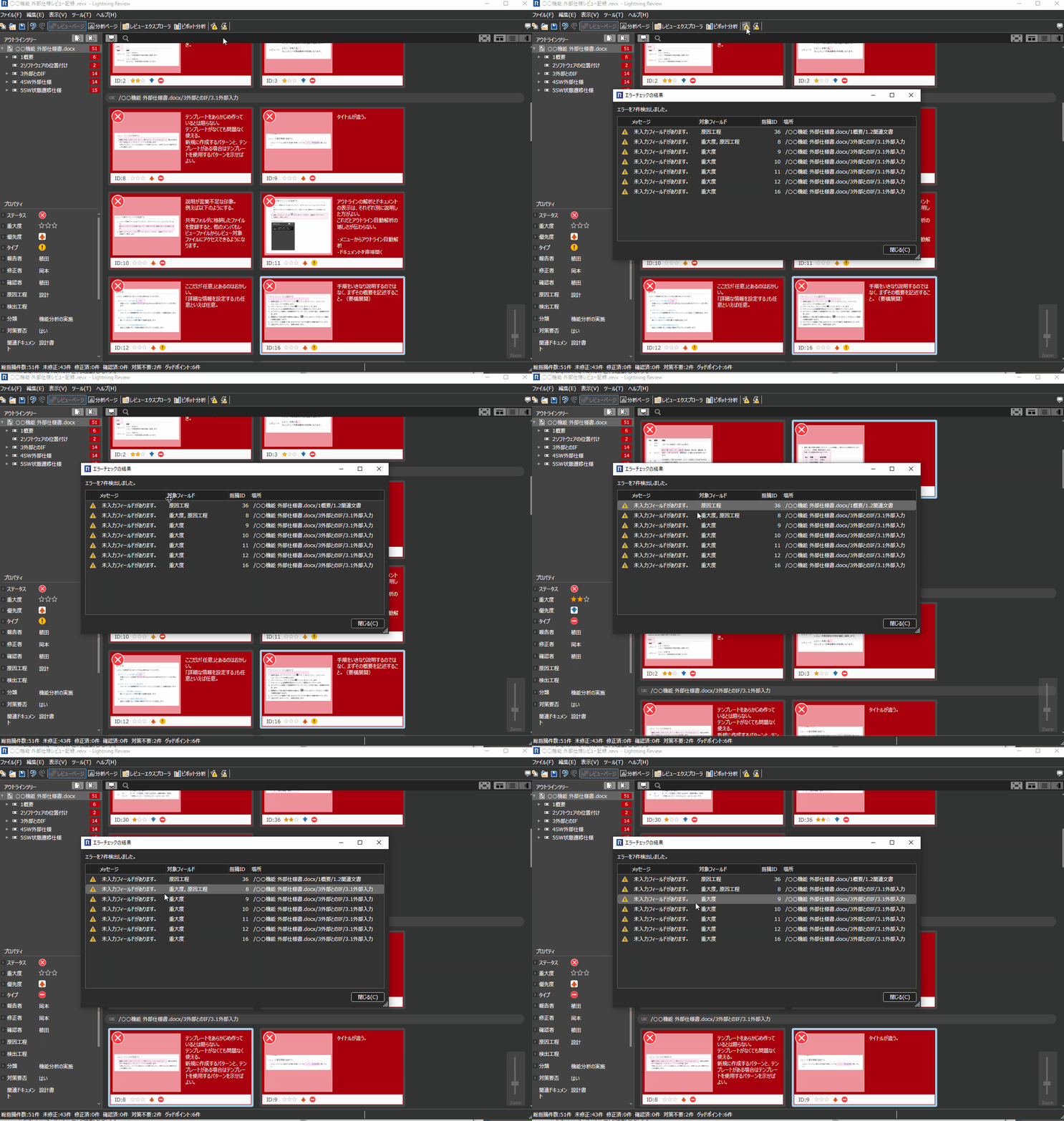
Checking for missing fields

When saving a review, it detects and notifies you of missing input such as importance and cause process.
The targets for detection can be freely configured to suit your project.

For details, please refer to the following link: : Checking for missing fields

Enhanced review sharing functionality

The following can now be achieved in Lightning Review's sharing mode:

  • You can also save added outlines.
  • You can define and change information (members, fields, etc.) in the [Review Settings] dialog.

This makes it more convenient to use, even when multiple people are reviewing simultaneously.